25 Neon Light Overlays V3
Add depth to your photos effortlessly! Just drag and drop any of our overlays above your original photo and change the blending mode. We recommend "Screen" or "Linear Dodge (Add)" mode, but it’s really up to you!
*Tip 1 : You can always erase unwanted parts of the overlays. For example if the overlay is over someone’s face. Use : Mask / Eraser tool / Black Brush.
*Tip 2 : Use "Hue/Saturation" effect ("Ctrl/Cmd + U") to change color of the overlays. This will help you to achieve the most realistic look for your image.
Key Features
- 25 High quality overlays
- 6000x4000px
- Optimized / Small file size
Don’t forget to download the v1 and v2 pack of Neon Light Overlays! ENJOY!
Explore more high-quality resources in our Graphics library, and pair them with curated Graphic Templates and Web Templates for your digital creations.
📋 Asset Specifications & Compatibility
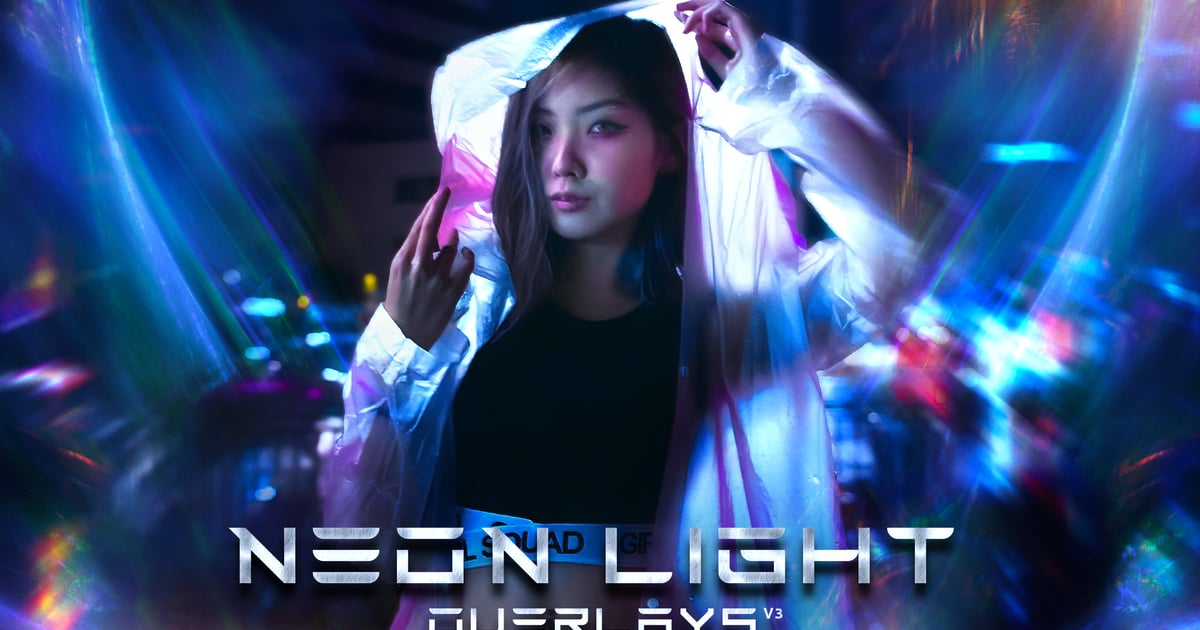
Original creative preview & visual showcase
⚡ High-Speed Direct Cloud Download
Original untouched resource package hosted on 5TB unlimited Google Drive: