Black Debossed Logo Mockup
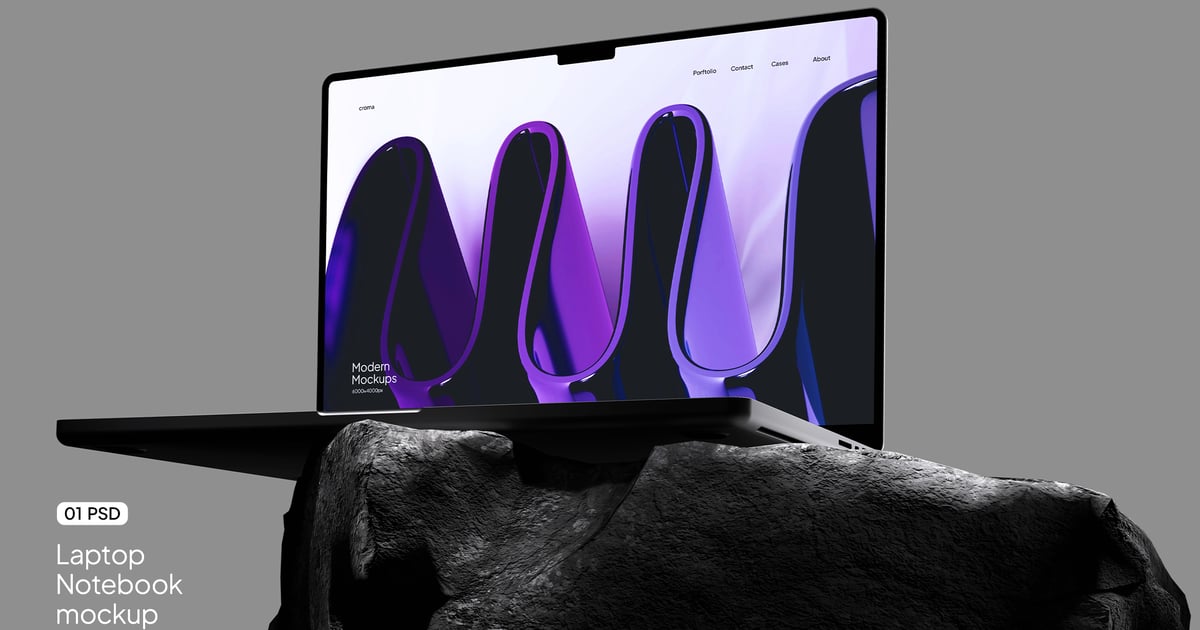
Present your logo designs with a premium, realistic touch using this black debossed logo mockup (3000×2000 px). With a drag-and-drop smart object, editable background color, and authentic shadow effects, this mockup adds depth and professionalism to your branding presentations.
What’s Included
- 1 Adobe Photoshop file (PSD)
- High-resolution: 3000 × 2000 px at 300 DPI
- Easy editing with Smart Objects
- Editable background color
- Well-organized layers
- Help file included
How to Use
- Open the PSD file in Adobe Photoshop.
- Double-click the Smart Object layer to open it.
- Paste your design into the Smart Object.
- Save and close the Smart Object tab.
- Your design will now appear perfectly in the mockup!
Need Help? We’re Here for You!
Thanks for choosing Lemockup!
Inside this download, you’ll find a helpful guide to get you started.
If you have any questions or need support, feel free to reach out via our Envato profile — we’re always happy to assist!
Looking for more awesome designs? Check out the Lemockup shop and discover new favorites.
We’re excited to have you with us and can’t wait to see what you create.
Enjoy and happy designing!
Note: Sample images and photos are shown for presentation purposes and are not part of the final product.
Explore more high-quality resources in our Graphic Templates library, and pair them with curated Graphic Templates and Web Templates for your digital creations.
📋 Asset Specifications & Compatibility

Original creative preview & visual showcase
⚡ High-Speed Direct Cloud Download
Original untouched resource package hosted on 5TB unlimited Google Drive: