Paintin Brushes for Adobe Photoshop
In this package you will find everything you need – for example, making logos, illustrations, or special backgrounds!. Using a brush is very simple – just place the brush strokes and select the appropriate brush from the brush panel.
What’s included
How to install
Explore more high-quality resources in our Add-ons & Presets library, and pair them with curated Graphic Templates and Web & Site Templates for your digital creations.
📋 Asset Specifications & Compatibility
Item Title
Paintin Brushes for Adobe Photoshop
Element ID
GY3PDNU
Category
Formats / Software
Photoshop Actions / Lightroom Presets
License Type
Commercial & Personal Use
Official Source
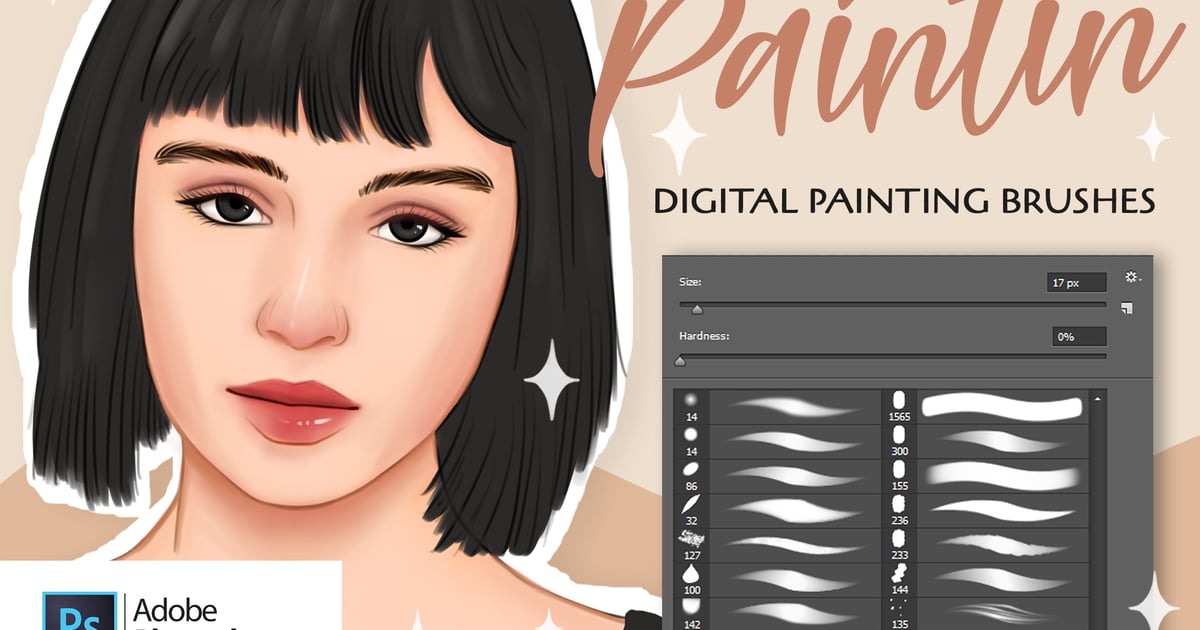
Original creative preview & visual showcase
⚡ High-Speed Direct Cloud Download
Original untouched resource package hosted on 5TB unlimited Google Drive:
🔒 Direct SSL Encrypted Link • Fast Unthrottled Speed • Original Clean Archive